

Download SteamPen – Screen Drawing, Annotation Tool, Transparent Screen, Real-Time Collaboration, Educator Tool, Gaming Annotation, Live Broadcast
Overview
SteamPen is a professional screen drawing application designed for users who require precise and dynamic on-screen annotations without obstructing underlying content. Built for transparency and clarity, it enables real-time visual enhancements on transparent screens, making it a powerful utility for educators, gamers, and professionals involved in live presentations or broadcasts. The app addresses the common challenge of overlaying annotations while maintaining visibility of the original screen content—ideal for interactive lessons, gameplay commentary, or remote collaboration sessions.
Target users include teachers delivering digital lessons, content creators broadcasting live gameplay, and professionals conducting virtual meetings with visual aids. The app’s focus on real-time engagement supports dynamic interaction, allowing presenters to highlight key points instantly. Its compatibility with transparent screen environments ensures that annotations remain visible yet unobtrusive, preserving the integrity of the displayed content.
Developed by SteamPen Inc., the app reflects a focused approach to solving a niche but growing need in digital communication. Although the developer did not provide additional technical details about their background or prior products, the app’s streamlined functionality suggests a targeted development strategy. In the broader app ecosystem, SteamPen fills a gap between basic drawing tools and full-featured whiteboard software, offering a lightweight yet powerful solution for on-screen annotation.
Key Features & Functionality
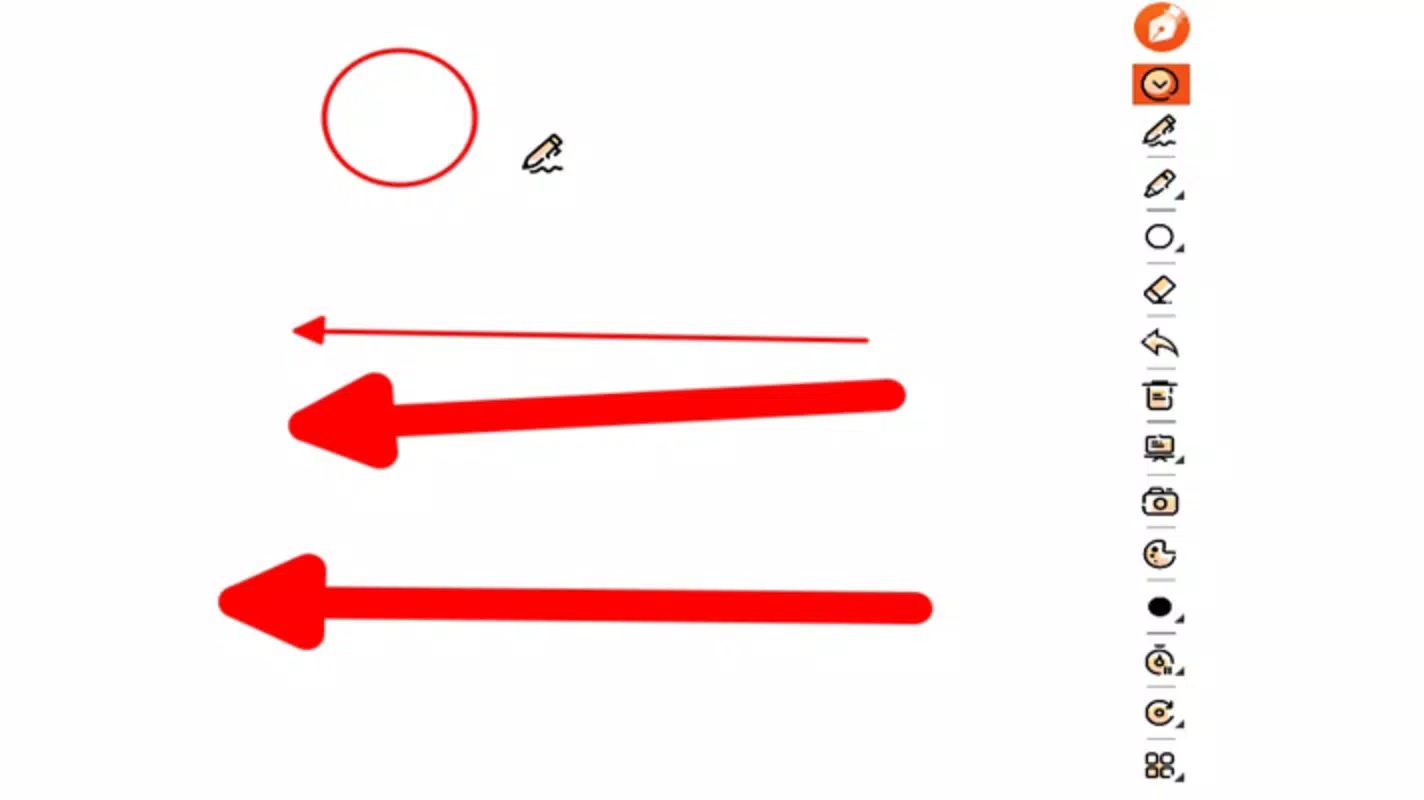
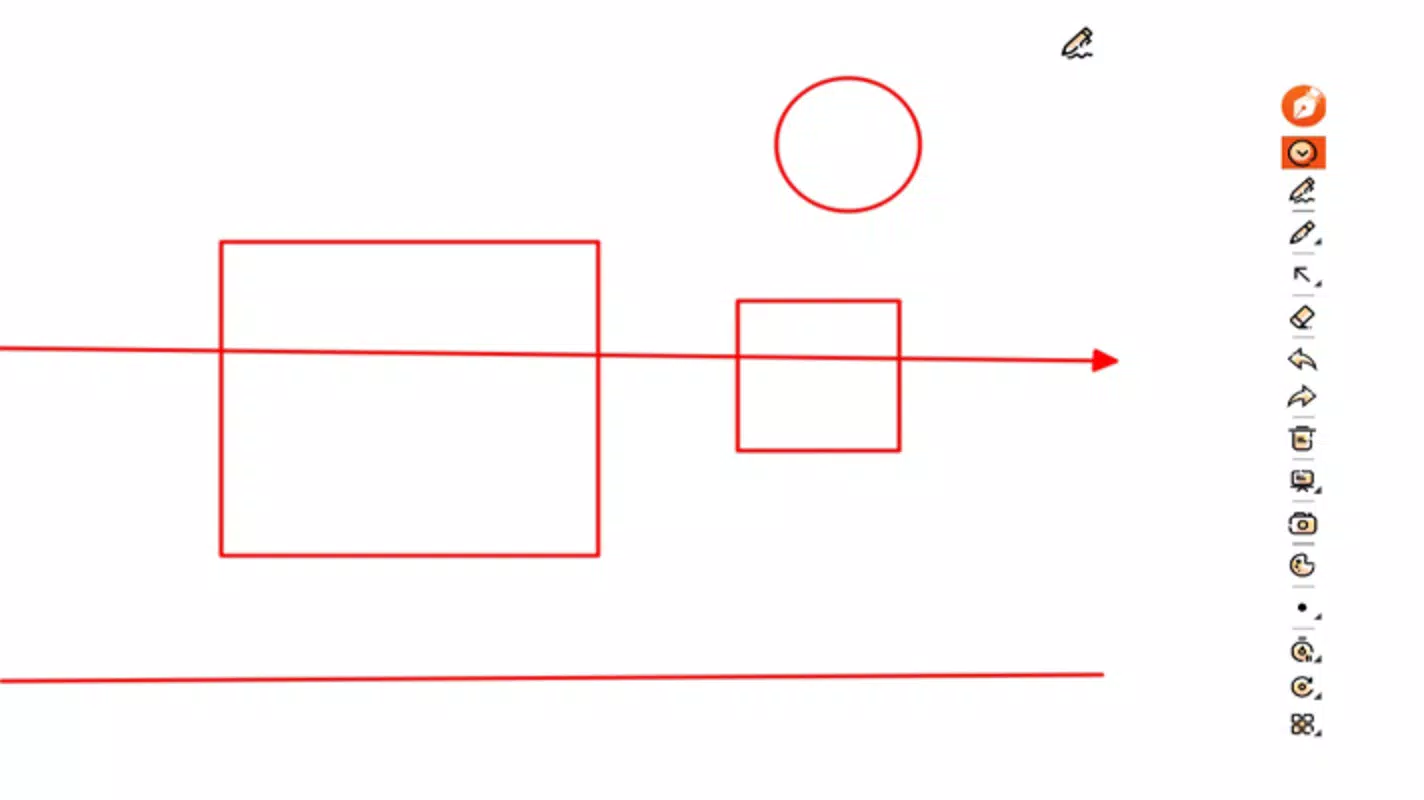
- Dynamic Annotations: Users can draw straight lines, arrows, rectangles, and add numbered labels with precision. These tools enhance visual storytelling during live sessions, such as highlighting game strategies or marking key sections in a lecture.
- Customizable Tools: Annotation colors and line thickness can be adjusted to suit different visibility needs. The inclusion of erasers and intuitive shortcuts improves workflow efficiency, especially during fast-paced presentations.
- Adaptive Modes: The app offers Whiteboard and Blackboard modes, allowing users to switch between light and dark backgrounds to match their presentation environment. This adaptability is beneficial for educators switching between digital and physical teaching setups.
- Image Library Functionality: Users can import pre-edited images and annotate them for live demonstrations. The feature supports zooming and resizing, enabling detailed visual explanations without losing clarity.
- Advanced Usability Features: Timed clearing and repeating annotations help automate repetitive tasks. Holding Shift locks lines at 90° or 180° angles, ensuring geometric accuracy during technical drawings or diagrams.
These features support practical use cases such as annotating a live stream during a gaming session, marking key points in a digital textbook during a remote class, or highlighting data points in a spreadsheet during a team meeting. The ability to save annotations as images also facilitates post-session sharing and documentation.
Interface, UX & Performance
SteamPen features a clean, minimal interface focused on accessibility and ease of use. The main workspace is centered on the screen, with tools arranged in a compact toolbar for quick access. Navigation is intuitive, with tools grouped logically and labeled clearly. The app maintains a consistent layout across different screen orientations, supporting both portrait and landscape modes.
Visual style emphasizes functionality over decoration, using a neutral color palette that does not interfere with the underlying screen content. The responsiveness of the interface is smooth during annotation, with minimal lag even during prolonged use. Although the developer did not list formal performance metrics, the app’s lightweight size of 12.3 MB suggests efficient resource usage.
Stability appears reliable based on the current version, with no reported issues in the release notes. The app functions without noticeable crashes or freezes during standard operations. Users can expect consistent performance across a range of Android devices, though specific compatibility details were not disclosed. The app’s design supports touch input with precision, making it suitable for both casual and professional use.
Platform Compatibility & Technical Requirements
SteamPen is available exclusively on the Android platform. The current version is 1.0.1, with a file size of 12.3 MB, indicating a lightweight installation. The app is currently free to download and use, with no in-app purchases or subscription models disclosed.
Although the developer did not specify minimum OS requirements, the app’s small footprint suggests broad compatibility with most modern Android devices. The release date of May 29, 2025, indicates a recent launch, positioning SteamPen as a fresh entrant in the productivity and annotation space. Users should verify compatibility with their device’s operating system before installation, as no formal requirements were listed.
Pros and Cons
Pros
- Lightweight design with minimal storage footprint (12.3 MB)
- Real-time annotation without obstructing underlying content
- Supports both Whiteboard and Blackboard modes for flexible use
- Customizable tools with color and thickness adjustments
- Ability to import and annotate images for live demonstrations
- Free to download and use with no hidden costs
Cons
- Platform availability limited to Android only
- No information provided about minimum OS or device requirements
- Developer did not disclose update frequency or future feature roadmap
- Limited to on-screen annotation—no cloud sync or multi-device support mentioned
- No integration with third-party presentation or streaming platforms
FAQ
Is SteamPen safe to download and install?
Yes, SteamPen is a free Android application developed by SteamPen Inc. The app is available through official channels, and its file size of 12.3 MB suggests a secure, lightweight package. Users should ensure they download from trusted sources to maintain device security.
Can I use SteamPen on iOS devices?
As of now, SteamPen is only available on Android. The developer has not announced any plans for iOS compatibility, so users with iOS devices will need to explore alternative solutions.
Does SteamPen require internet access?
SteamPen functions offline for basic annotation tasks. Internet access is not required for core features such as drawing, saving annotations, or using image libraries. However, future updates may include cloud-based features.
How often is SteamPen updated?
The developer did not specify the update frequency. The current version is 1.0.1, released on May 29, 2025. Users should monitor the app store for updates to ensure they have the latest improvements and security patches.
Can I share my annotations with others?
Yes, annotations can be saved as images, allowing users to share them via messaging apps, email, or cloud storage. This feature supports easy collaboration and content distribution after a session.
Final Thoughts
SteamPen stands out as a focused, efficient tool for on-screen annotation, particularly suited for educators, gamers, and professionals in live presentation environments. Its transparent interface, customizable tools, and adaptive modes offer practical advantages without overwhelming users with unnecessary complexity. The app’s lightweight design and free access make it an accessible choice for a wide range of users.
While it lacks cross-platform availability and advanced integrations, its core functionality is well-executed and purpose-built. For anyone needing to annotate screens in real time—whether in a classroom, studio, or gaming stream—SteamPen delivers tangible value. With its clear focus and user-friendly design, it represents a smart addition to the mobile productivity toolkit.
Download SteamPen now


